How Does the Clover Payment Process Work for Restaurants?
Clover is a popular payment processing solution designed specifically for restaurants and other service-based businesses. In this blog, we'll break down how the Clover payment process works, making it easy for you to understand its features and benefits.
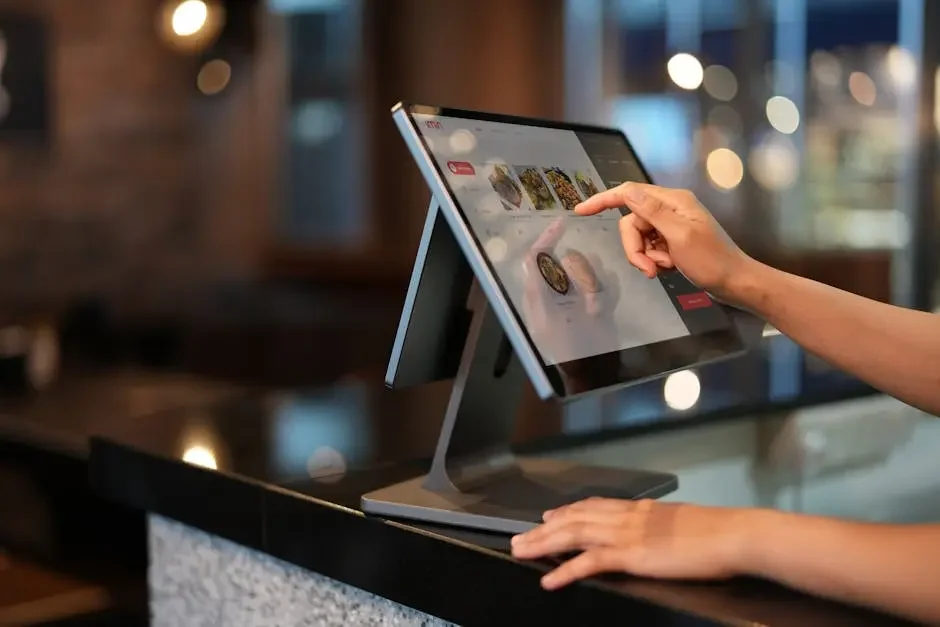
Understanding Clover's Features
Clover offers various features tailored for restaurants, such as mobile payments, inventory management, and reporting tools. These capabilities are designed to handle the unique challenges that restaurants face.
One standout feature is the ease of mobile payments. This allows customers to pay quickly, creating a more seamless dining experience. Additionally, Clover's user-friendly interface ensures that your staff can learn and adapt in no time.
Moreover, Clover's integrated inventory management allows you to keep track of your stock levels in real-time, minimizing waste and ensuring that your kitchen always has what it needs. This is particularly useful for restaurants that offer seasonal or limited-time menu items.
With robust reporting tools, Clover enables restaurant owners to analyze sales trends and customer behavior, which can be invaluable for making informed decisions about menu offerings and marketing strategies. These insights can easily be accessed through the Clover dashboard, making it convenient to stay informed about your business.
Setting Up Your Clover System
Installing Clover is straightforward. Start by choosing the hardware that suits your needs and then follow the setup instructions provided by Clover. You can select from several options, including countertop terminals and handheld devices.
Once your hardware arrives, the setup process involves connecting your devices to the internet and configuring the Clover application. The user-friendly interface guides you through the installation process, alleviating any technical worries you might have.
Additionally, Clover provides helpful customer support throughout the installation phase, ensuring that any issues can be resolved promptly. This way, you can focus on providing excellent service rather than wrestling with complicated technology.
After setup, make sure to take advantage of the customization options Clover offers. You can personalize your menu items, set up different payment methods, and even adjust tax settings easily. This helps create a unique and tailored experience for your restaurant, enhancing both efficiency and customer satisfaction.
Processing Payments
To process payments, simply select the items purchased, choose the payment method, and complete the transaction through the Clover interface. It’s designed to be intuitive, allowing staff to finalise sales quickly and effectively.
Clover accepts various payment methods including credit cards, debit cards, and mobile wallets. This versatility caters to different customer preferences, which is increasingly important in today's fast-paced environment.
An interesting feature of Clover is the customer-facing display, which allows diners to see their order and total amount due. This not only enhances transparency but also provides an opportunity for customers to add gratuity before completing their payments.
Once the payment is finalized, the Clover system generates a digital receipt that can be emailed or texted to the customer. This is a modern touch that many diners appreciate, reducing paper waste and making it easy for them to manage their expenses.
Handling Tips and Voids
Clover makes it easy to add tips to transactions and handle any necessary voids, ensuring a smooth checkout experience. When diners want to leave a gratuity, your staff can quickly apply it at the point of sale.
In the case of a voided transaction, Clover allows you to cancel a purchase swiftly. Just a few taps on the screen will rectify any errors, which is particularly useful during busy service hours when mistakes can occur.
Tracking tips is essential for many restaurant owners. Clover provides reporting features that allow you to monitor tip amounts, making it easier to manage payroll and understand your staff's performance. This adds even more functionality to your overall restaurant operations.
Tracking Sales and Reports
Leverage Clover's reporting features to track your sales, analyze performance, and make informed business decisions. These reports can provide valuable insights into peak hours, best-selling items, and overall sales trends.
Access to detailed weekly or monthly summaries helps you adjust staffing levels, manage food inventory, and optimize menu offerings effectively. With this kind of information at your fingertips, you can implement strategies that drive profits.
One of the best things about Clover is its ability to integrate with other applications, enhancing your reporting capabilities. You can sync Clover with accounting software or marketing tools to streamline your business processes further.
Regularly reviewing these reports also helps you develop a stronger understanding of customer preferences. By analyzing which items are popular and which are not, you can adapt your menu to better align with what your customers love, ultimately boosting your sales.
Wrapping It Up
In summary, the Clover payment process simplifies transactions, enhances customer experience, and provides valuable insights for restaurant owners. By integrating Clover into your system, you can streamline operations and improve efficiency.